What Is UX Design? How to Create a Website People Can Use with Confidence
UX design—user experience design—is more than making a website look polished. It is the work of helping a visitor find relevant information, understand it, and choose a next step with confidence. Enquiries, purchases, bookings, and applications all sit at the end of an experience with as little unnecessary friction as possible.
Good UX begins with the visitor’s purpose
People do not visit a website merely to look at its design. They may want to understand a price, check whether a service fits their need, or decide whether a company feels trustworthy. UX design understands that purpose and shapes the whole path around it: the search result, page structure, content, form, and what happens after someone gets in touch.
What is UX design?
UX stands for user experience: the overall experience someone has when using a website, service, or product. It includes visual design, but also speed, clarity, ease of navigation, feedback after an action, confidence during an enquiry, and whether the person can achieve what they came to do.
UI, or user interface, concerns the parts a person directly uses—such as buttons, menus, and forms. UX is the wider system around those parts. Good UI matters, but a beautiful interface cannot create a good experience if it does not understand what the visitor is trying to achieve.

The journey to consider on a business website
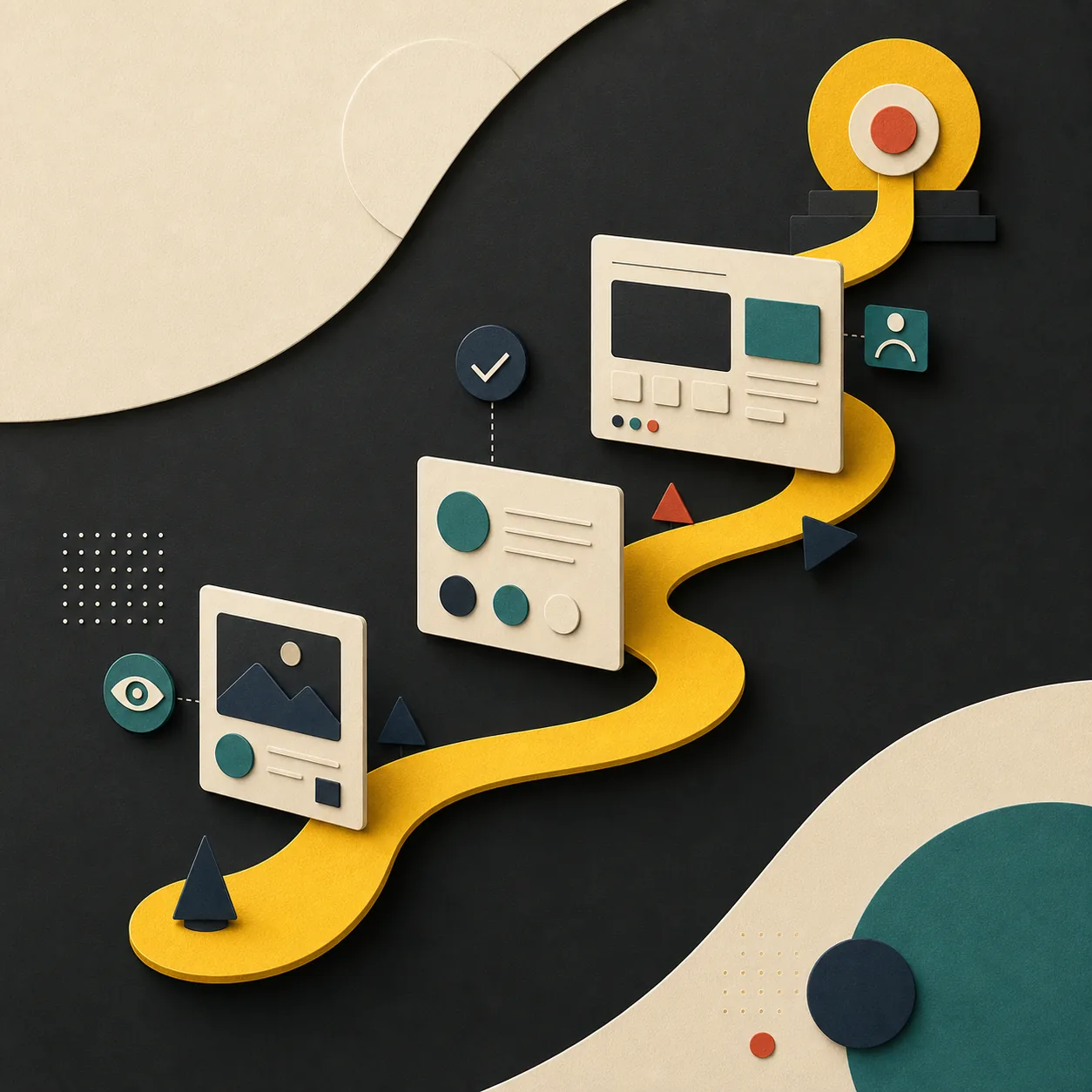
Most website experiences move through several stages. Finding where hesitation or uncertainty occurs is the starting point for meaningful UX improvement.
Discover
Someone arrives from search, a recommendation, social media, or an advert. The page should fulfil the expectation created by that first message.
Understand
They work out who the service is for, what it can do, and why it may be worth choosing. Headings, writing, images, and proof all support this decision.
Compare and gain confidence
Pricing approach, process, case studies, people, and FAQs can reduce uncertainty. Keeping important information discoverable is part of building trust.
Act
The visitor chooses a relevant next step: enquire, book, buy, or download. Calls to action and forms should be clear and ask for no more effort than the decision requires.
Five principles of good UX design
- Put purpose first: design pages around what visitors need to achieve, not only around internal organisation charts.
- Create information hierarchy: do not give every message the same weight; help people see what matters now and what to explore next.
- Design for broad access: incorporate readable text, meaning beyond colour alone, descriptive headings and image alternatives, and keyboard-friendly interactions.
- Keep the experience fast and stable: heavy media, delayed interactions, and layouts that jump while loading can make people leave before the content has a chance.
- Give clear feedback: buttons, form submissions, errors, and next steps should tell people what has happened and what to do next.
UX and SEO are not separate disciplines
Search performance depends on useful content that answers intent, clear titles and headings, internal links, mobile readability, and technical quality. These are also the foundations of a useful experience once someone arrives. Rather than create pages only to target a ranking, create pages that honestly answer the visitor’s question. That is a more durable basis for both trust and organic visibility.
How to improve UX on an existing website
Before changing a design, look at the evidence. Analytics, search queries, form abandonment, customer-support feedback, sales questions, and conversations with real users can reveal where the current experience breaks down. Select an important user task, form a hypothesis, improve the content or path, then review the result.
A major redesign may be appropriate, but improvement does not always need to be a large project. A clearer service-page heading, a shorter form, a useful FAQ, or a better mobile menu can remove meaningful friction. Repeated small improvements build a better experience for customers and a stronger website for the business.
Common UX problems to look for
- The homepage looks attractive but does not explain what the business offers.
- There are too many pages or menu choices to find essential information.
- Text, buttons, and forms are difficult to use on a phone.
- Calls to action are vague—or there are so many that a visitor cannot choose.
- People do not know what will happen after they submit an enquiry, making the first step feel too high-risk.
DESIGN FOR PEOPLE
Turn usability into better business outcomes
Clickmark connects user goals with business goals through UX design, information architecture, content, website design, and development. Talk to us about a site that feels difficult to use or is not turning interest into meaningful enquiries.